
Introduction
Imagine being on an important phone call and wishing you could save every word for later. Your first instinct might be to use the built‑in screen recording feature on your smartphone. It feels like a quick fix—tap record, and you’re done. But here’s the catch: screen recording does not record phone call audio.
This article explains why screen recording fails to capture calls, the technical and legal reasons behind it, and the best alternatives for safely and effectively recording conversations on Android and iPhone.
Can Screen Recording Record Phone Calls?
Screen recording is designed to capture visual activity on your device—tutorials, gameplay, or app demonstrations. Both Android and iOS devices include native screen recording features:
- Android: Devices running Android 10 or later include screen recording in Quick Settings.
- iOS: Apple introduced native screen recording in iOS 11, accessible via the Control Center.
However, when it comes to phone calls, screen recording falls short.
Why Screen Recording Doesn’t Capture Call Audio
- System-Level Restrictions: Mobile operating systems isolate call audio to protect privacy. Apps cannot access this audio stream.
- Microphone Limitations: Turning on the microphone during screen recording only captures ambient sounds—your voice, background noise—but not the caller’s voice.
In short, screen recording is not a viable method for recording two‑way phone conversations.
Reliable Alternatives for Recording Phone Calls
1. Built-in Call Recording Features
- Android: Brands like Xiaomi, OnePlus, and Samsung include call recording options in their dialer apps. Simply tap the record button during a call.
- iPhone: With iOS 18.1, Apple introduced limited call recording features in select regions. Availability depends on local laws.
2. Third-Party Call Recording Apps
If your phone lacks native support, apps can help:
- Android: Automatic Call Recorder (ACR), Cube Call Recorder.
- iPhone: Rev Call Recorder, TapeACall.
These apps provide user-friendly interfaces and automatic recording options.
3. VoIP Apps with Recording Features
- Skype: Offers in-app recording with participant notifications.
- Google Voice: Allows recording of incoming calls by pressing “4” (region-specific).
- WhatsApp, Telegram, Messenger: No native recording, but you can use speaker mode with external recording tools.
For more details, check Google Voice official support.
4. Parental Control & Monitoring Apps
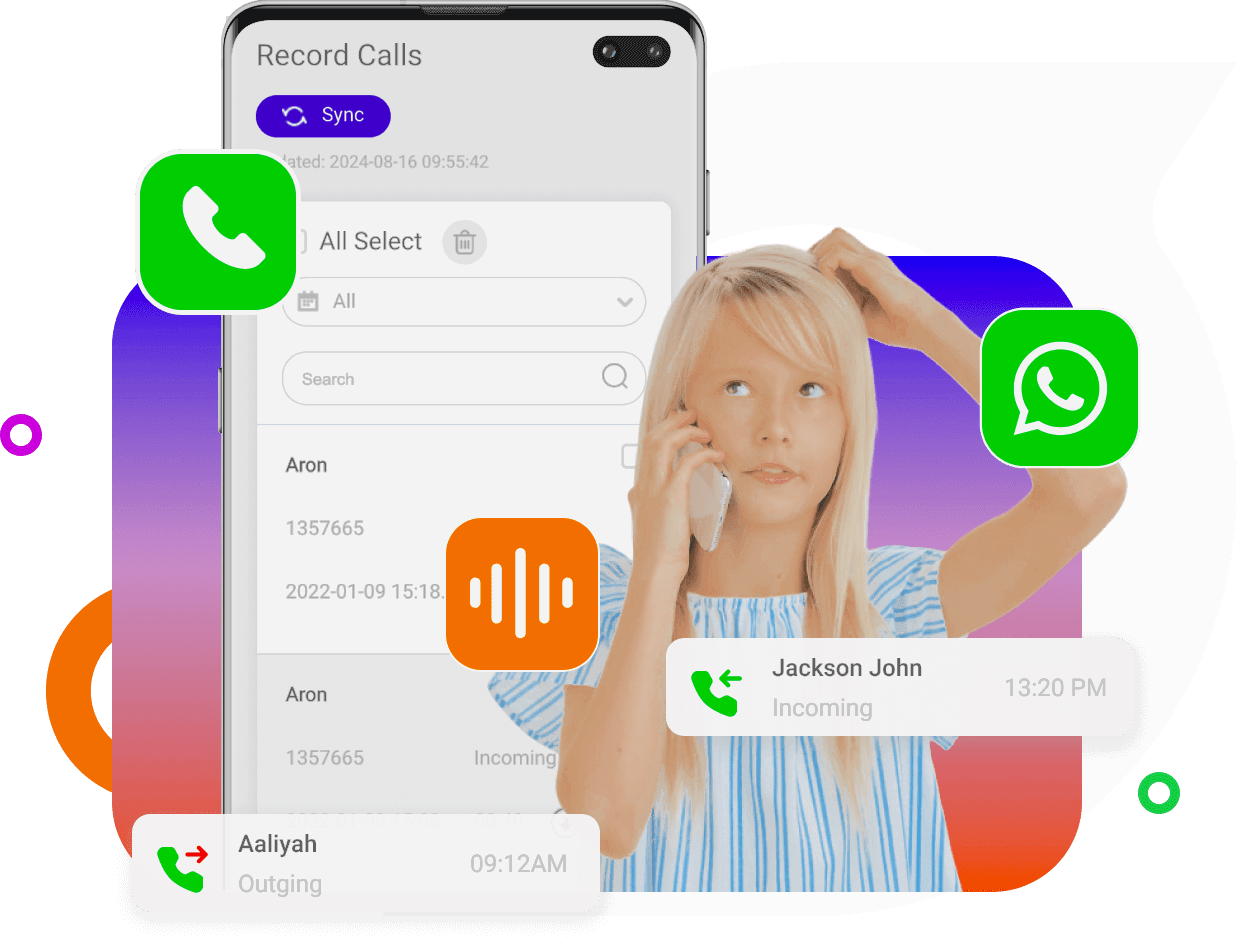
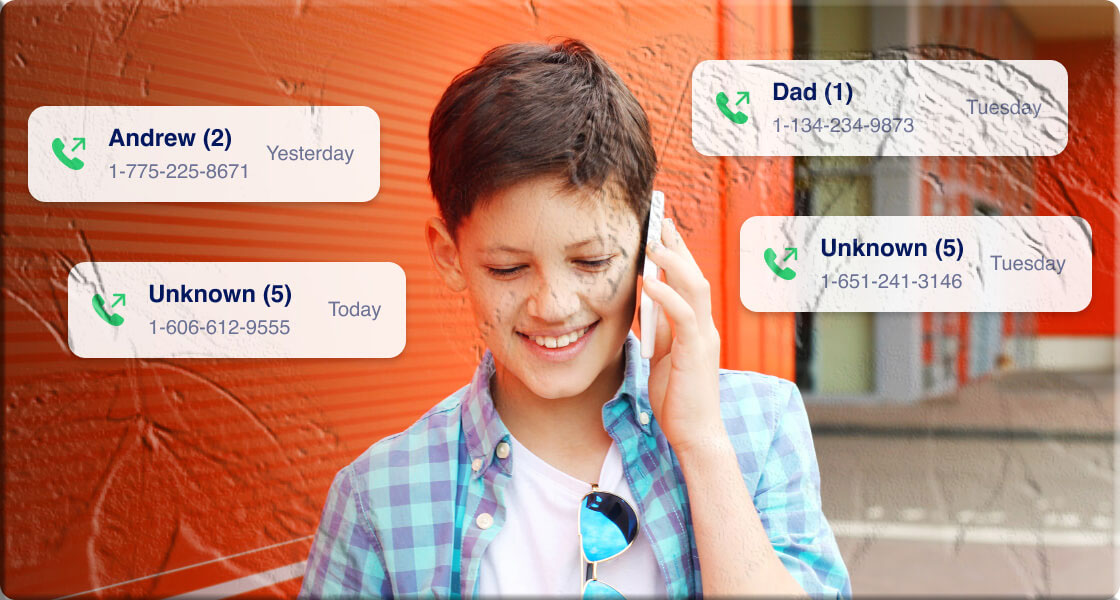
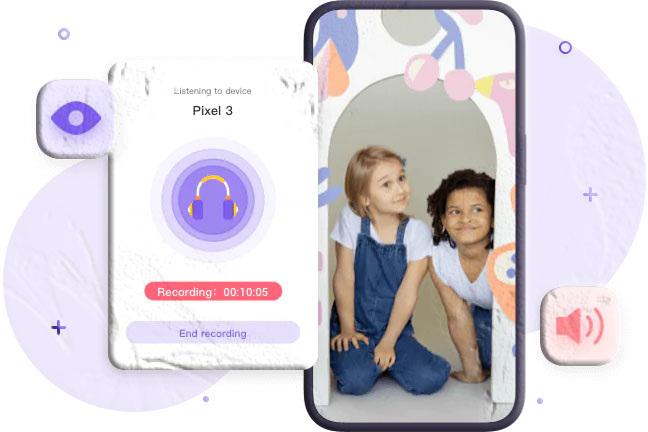
Apps like MyParental Controls allow parents to monitor call logs and recordings ethically, with consent.
Conclusion
Screen recording is excellent for tutorials and app demos, but it cannot record phone calls due to privacy and technical restrictions. If you need to record calls, rely on built-in features, third-party apps, or VoIP services. Above all, respect privacy laws and obtain consent before recording.
FAQs
Q1: Does screen recording capture phone call audio? No. Screen recording cannot capture call audio because operating systems block access to the call stream.
Q2: Can iPhones record calls natively? Yes, but only in select regions with iOS 18.1. Availability depends on local laws.
Q3: What’s the safest way to record calls? Use built-in call recording features or trusted third-party apps, and always inform the other party.
Q4: Is it legal to record calls without consent? In most jurisdictions, recording without consent is illegal. Always check local laws before proceeding.