
Introduction
Losing an iPhone when you only have an Android device at hand can feel frustrating. Apple and Google operate in separate ecosystems, which makes cross‑platform tracking less straightforward. But don’t worry—there are reliable ways to locate an iPhone using an Android phone. Whether you’re a parent monitoring your child’s safety, a friend helping someone find their lost device, or simply trying to recover your own iPhone, these three methods can help.
Method 1: Track via iCloud Find My iPhone (Browser Access)
Apple’s Find My iPhone service is the most direct way to locate a missing iPhone. Even from an Android device, you can access it through a browser.
Requirements
- Find My iPhone must be enabled on the missing device.
- Location Services must be active.
Steps
- Open a browser on your Android phone (preferably in incognito/private mode).
- Visit icloud.com/find.
- Log in with the Apple ID linked to the iPhone.
- Select the missing iPhone from the device list.
- View its location on the map and choose actions:
- Play Sound – Helps locate the phone nearby.
- Lost Mode – Locks the device and displays a custom message.
- Erase iPhone – Wipes data remotely if recovery seems unlikely.
Pros & Cons
- ✅ Free and accessible from any browser.
- ✅ Works even if the iPhone is offline (via Apple’s Find My network).
- ❌ Requires Apple ID credentials.
- ❌ Limited compared to the native iOS app.
Method 2: Use Google Maps Timeline & Location Sharing
Google Maps offers two useful features: Timeline (location history) and Location Sharing (real‑time tracking).
Requirements
- Google Maps installed on the iPhone.
- Location Services and Location History enabled.
- Active internet connection.
Steps
- On the iPhone, open Google Maps → Settings → Personal Content.
- Enable Location Services and Location History.
- Use Location Sharing to share real‑time location with your Google account.
- On your Android phone, log into Google Maps with the same account.
- View the iPhone’s current location or check Timeline for past movements.
Pros & Cons
- ✅ Real‑time tracking when Location Sharing is active.
- ✅ Timeline provides detailed travel history.
- ❌ Requires prior setup on the iPhone.
- ❌ Timeline web access is being phased out.
For more details, see Google Maps Help.
Method 3: Use Cross‑Platform Tracking Apps
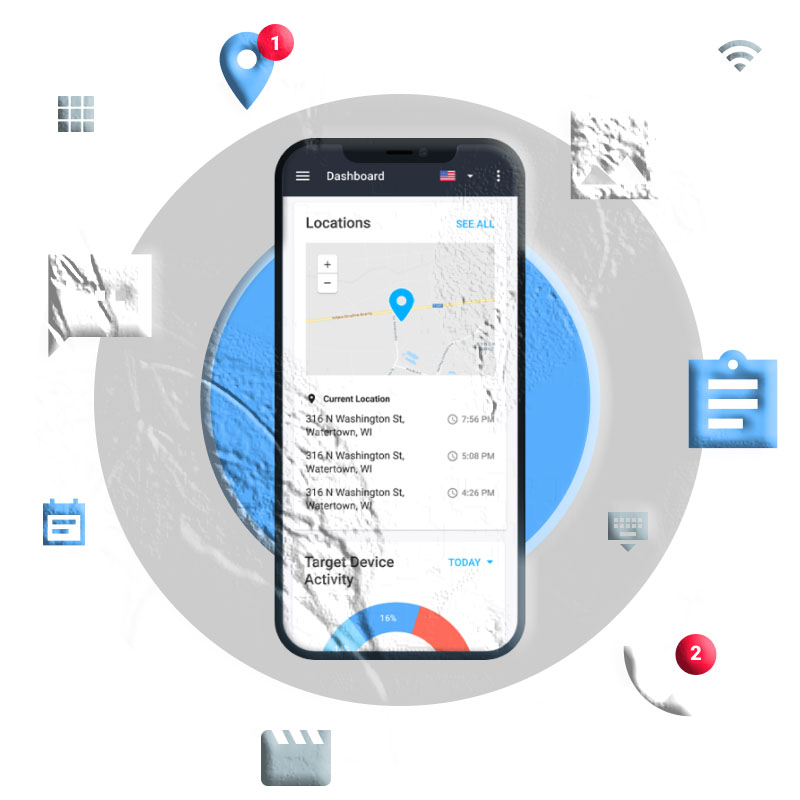
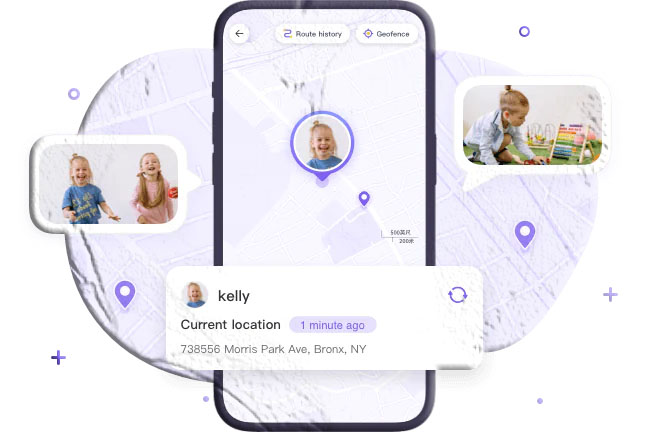
Third‑party apps like MyParental Control allow families to track devices across iOS and Android.
Features
- Real‑time GPS tracking.
- Geofencing alerts (notifications when a device enters/exits a zone).
- Screen time and parental controls.
Requirements
- App installed on both iPhone and Android.
- Permissions granted by both users.
Pros & Cons
- ✅ Rich features beyond location tracking.
- ✅ Ideal for family safety monitoring.
- ❌ Requires consent and setup.
- ❌ Some features may require a paid plan.
Comparison Table
| Method | Real‑Time | Location History | Geofencing | Cost |
|---|---|---|---|---|
| iCloud Find My iPhone | ✅ | ❌ | ❌ | Free |
| Google Maps Timeline | ❌ | ✅ | ❌ | Free |
| Google Maps Sharing | ✅ | ❌ | ❌ | Free |
| Tracker Apps | ✅ | ✅ | ✅ | Varies |
FAQs
Q1: Can I track an iPhone without Apple ID credentials? No. iCloud requires the Apple ID and password. Without them, you must rely on Google Maps or third‑party apps already set up.
Q2: Does Find My iPhone work if the device is offline? Yes. With iOS 15 or later, Apple’s Find My network can locate devices even when offline or powered down.
Q3: Is Google Maps Timeline still available? Timeline is being phased out on the web, but location history remains accessible via the mobile app.
Q4: Are third‑party tracking apps safe? Reputable apps are generally safe, but always review privacy policies and permissions before use.
Q5: Which method is best for parents? Cross‑platform apps with geofencing (like MyParental Control) are best for monitoring children’s safety.
Final Thoughts
Tracking an iPhone from an Android device is possible with the right tools. iCloud is best for recovering a lost phone, Google Maps works well for location sharing between friends or family, and third‑party apps provide advanced monitoring features for parents.
By setting up these options in advance, you’ll be prepared for emergencies and ensure peace of mind across platforms.