
Introduction
Stories have become one of the most engaging features on social media platforms. On Facebook, they allow you to share everyday moments—photos, videos, text updates, or even music clips—that disappear after 24 hours. This casual format makes it easy to connect with friends and followers without the permanence of traditional posts.
But one question often arises: Can you see who viewed your Facebook story? The answer is yes, and understanding how it works can help you manage your privacy and audience more effectively.

What Is a Facebook Story and How Does It Work?
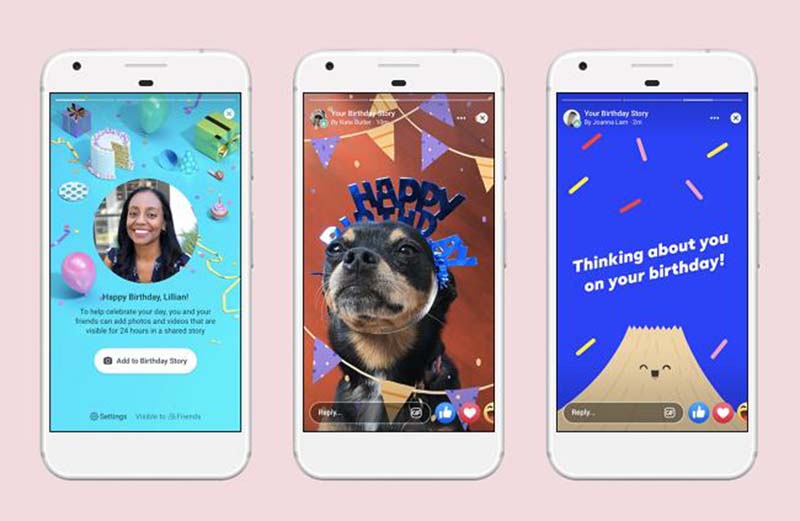
A Facebook Story is a temporary post that appears at the top of the Facebook app and website. It can include:
- Photos, videos, boomerangs, or text updates
- Stickers, filters, and effects for personalization
- Music clips or interactive elements
Stories remain visible for 24 hours unless you enable the Story Archive feature. Unviewed stories display a blue ring around your profile picture, while viewed ones lose the ring.
For more details, you can check Facebook’s official Help Center.
Can You See Who Views Your Facebook Stories?
Yes. Facebook allows you to see exactly who has viewed your story.
- Open your story.
- Tap the Viewers icon at the bottom left.
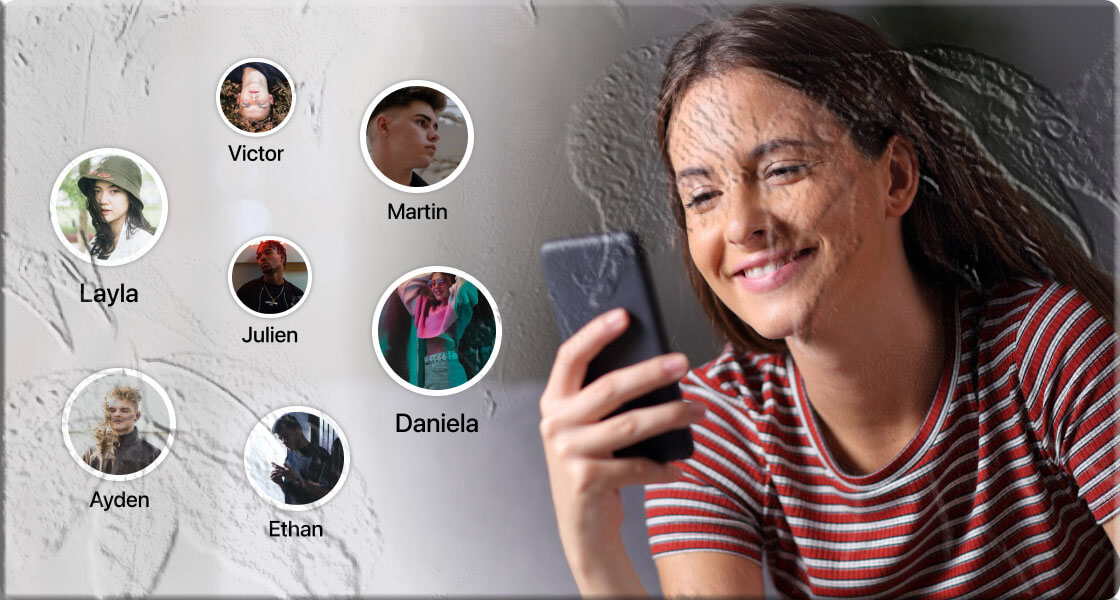
- A list of viewers will appear, showing all friends and followers who watched your story.
Important: Facebook does not notify you if someone views your story multiple times or takes a screenshot.
How to See Who Viewed Your Facebook Story
The process is simple and works across Android, iOS, and desktop:
- Open the Facebook app or facebook.com.
- Navigate to your story under the Feed section.
- Tap Viewers at the bottom left (or swipe up on mobile).
- Review the list of people who have viewed your story.
What Does “Others” Mean on Facebook Story?
Sometimes, you’ll notice “Others” listed among your story viewers. This can be confusing, so here’s what it means:
- Followers or non‑friends: People who follow you but aren’t on your friends list.
- Blocked accounts: If someone views your story and then blocks you, Facebook counts them as “Others.”
Unfortunately, Facebook does not reveal the identity of “Others” viewers, especially if your story privacy is set to Public.
How to Manage Who Can View Your Facebook Story
Privacy is crucial when sharing personal moments. Facebook gives you control over who can see your stories.
Option 1: From Your Story
- Open your posted story.
- Tap the three dots in the upper right.
- Select Edit story privacy.
- Choose between Public, Friends, or Custom.
Option 2: From Settings
- Tap the hamburger menu (three lines) in the top‑right.
- Go to Settings (cog icon).
- Scroll down to Stories.
- Select Story Privacy and adjust your audience.
FAQs
Q1: Why can’t I see who viewed my Facebook story? It may be because no one has viewed it yet, or your privacy settings restrict visibility.
Q2: Does Facebook notify when someone screenshots a story? No. Facebook only records views, not screenshots.
Q3: How can I see old stories on Facebook? Enable Story Archive in Settings → Stories → Story Archive → Turn on “Save to archive.”
Q4: Can I view Facebook stories anonymously? Yes, but unofficial methods are required (e.g., airplane mode, half‑swiping, or third‑party extensions). Use caution, as these are not supported by Facebook.
Q5: What does “Others” mean in story viewers? It refers to non‑friends, followers, or people who blocked you after viewing your story.
Wrapping Up
Facebook Stories are a fun and interactive way to share your daily life. Knowing who viewed your story helps you stay aware of your audience, while privacy settings give you control over who can see your content.
Whether you’re sharing with close friends or a wider audience, understanding how Facebook tracks views ensures you stay informed and secure.