
Modern parenting comes with challenges that didn’t exist a decade ago. Children today grow up surrounded by smartphones, social media, and online communities — all of which can expose them to risks such as cyberbullying, online predators, inappropriate content, and unsafe environments. With rising concerns about school violence, social unrest, and digital threats, many parents feel the need to monitor their child’s location discreetly.
If you’re wondering whether it’s possible — and legal — to track your child’s phone without them knowing, this guide breaks down everything you need to know, including free methods, advanced monitoring tools, and important considerations for responsible parenting.

Can I Track My Child’s Phone Without Them Knowing?
Yes. In most regions, parents and legal guardians are legally allowed to track the phones of minors for safety and protection. However:
- Once your child reaches the legal age of adulthood in your country or state, you should stop covert monitoring.
- Ethical parenting recommends balancing safety with trust.
- Studies show many parents begin location monitoring when children are 3–5 years old, when kids start exploring their surroundings more independently.
3 Free Ways to Track Your Child’s Phone Without Them Knowing
Below are the three most reliable free methods to track a child’s phone discreetly. Each option has its strengths and limitations, so choose based on your child’s device type and your monitoring needs.
1. Track Your Child’s Android Phone Using Google Find My Device
Google’s Find My Device is built into every Android phone and allows real‑time location tracking through GPS. Once your child’s Google account is added to their phone, the feature activates automatically.
How to Use Find My Device
- Add your Google account to your child’s Android phone.
- Visit: https://www.google.com/android/find
- Sign in using the same Google account.
- The map will display your child’s phone location instantly.
Advantages
- Works silently — your child won’t receive alerts.
- No installation required.
Disadvantages
- Doesn’t work if the phone is off or has no internet.
- Location accuracy may vary.
2. Track Your Child’s iPhone Using Apple Find My
Apple’s Find My app is available on all iPhones running iOS 13 or later. It allows real‑time tracking, geofencing, and satellite‑based location updates.
How to Use Find My
- Open Find My on your child’s iPhone.
- Go to People → Start Sharing Location.
- Enter your phone number → Send → Share Indefinitely.
- Open Find My on your iPhone to view their location anytime.
Advantages
- Can locate the phone even without internet.
- Built‑in and highly accurate.
Disadvantages
- Your child can stop sharing location at any time.
- Only works for iPhones.
Alternative: If you share the same Apple ID, you can track the device directly under the Devices tab.
3. Track Your Child Using Google Family Link (Android & iPhone)
Google Family Link is a free parental control app that includes location tracking. Although it offers many parental controls, you can choose to use only the location feature.
How to Use Google Family Link
- Install Google Family Link on your phone.
- Set up your child’s Google account or link an existing one.
- On your child’s phone, confirm parental supervision.
- Open Family Link → Location tab to view real‑time location and battery level.
Advantages
- Supports geofencing alerts.
- Works on both Android and iPhone (child must use Android).
Disadvantages
- Setup is more complex.
- Location updates may be slow.
Alternative: Use a Hidden Parental Control App (MyParental Family Locator)
If you want more than just location tracking — such as monitoring screen time, viewing surroundings, or checking app usage — a dedicated parental control app like MyParental Family Locator offers advanced features.
Key Features
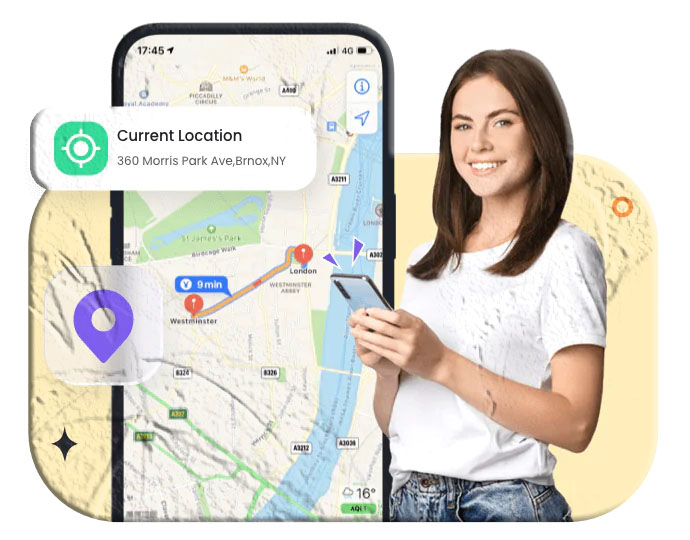
- Real‑time GPS + WiFi location
- Location history
- Geofence alerts
- Remote camera access
- Live screen monitoring
- Notification and browsing history tracking
- Stealth mode (invisible on child’s phone)
How to Use
- Install MyParental on your device.
- Follow the setup instructions to connect your child’s phone.
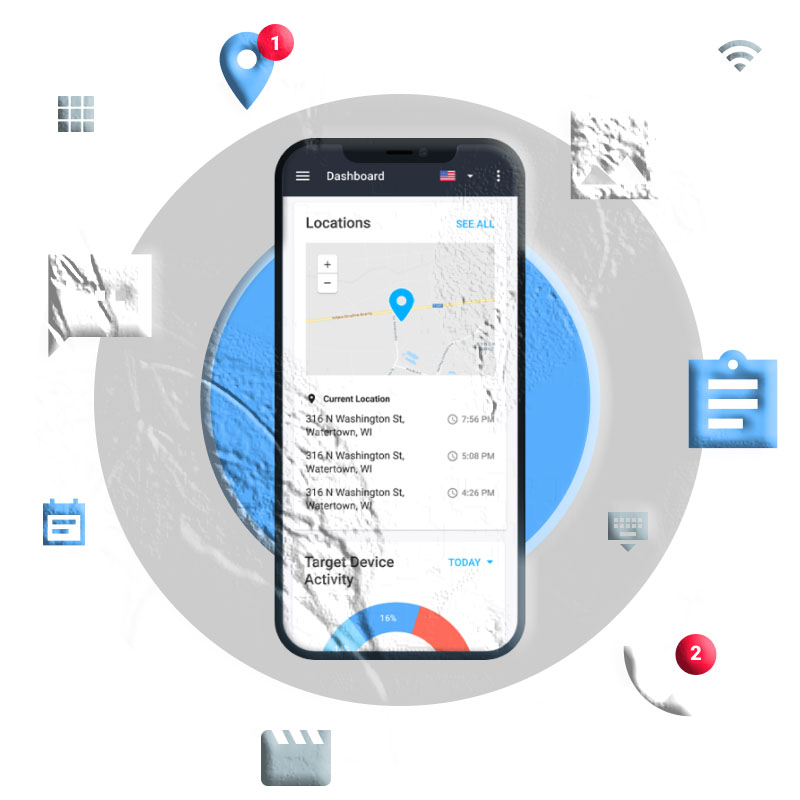
- Open the dashboard → tap Map to view location.
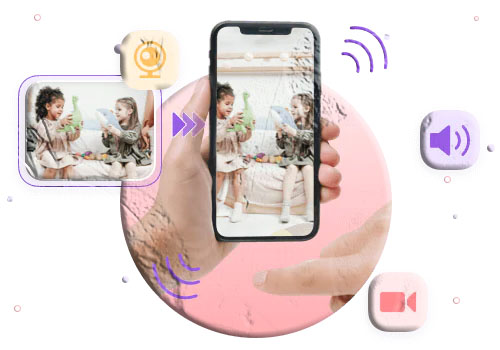
- Use Remote Camera to check surroundings.
Advantages
- Completely hidden from your child.
- Offers full digital supervision.
Disadvantages
- Not free (but includes a 3‑day trial).
- Works only on Android devices.
How to Choose the Best Method
Here’s a quick guide to help you decide:
If you want 100% free tracking:
- Google Find My Device
- Apple Find My
- Google Family Link
If you want stealth mode:
- Google Find My Device
- Google Family Link
- MyParental Family Locator
If you want full monitoring (screen, apps, surroundings):
- MyParental Family Locator
If your child uses iPhone:
- Apple Find My
- Shared Apple ID
- Third‑party iOS monitoring (limited features)
Pros and Cons of Tracking Your Child’s Phone
Pros
- Ensures your child’s physical safety.
- Helps you respond quickly in emergencies.
- Allows you to monitor risky behavior or unsafe environments.
Cons
- Older children may feel their privacy is violated.
- Excessive monitoring can damage trust.
- Parents must balance safety with independence.
Healthy parenting approach: Even if you track secretly, consider having open conversations about online safety as your child grows older.
Additional FAQs About Tracking Your Child’s Phone
1. Can I track my child’s phone without installing an app?
Yes. Google Find My Device and Apple Find My allow tracking without installing anything on the child’s phone.
2. How can I see everything on my child’s phone secretly?
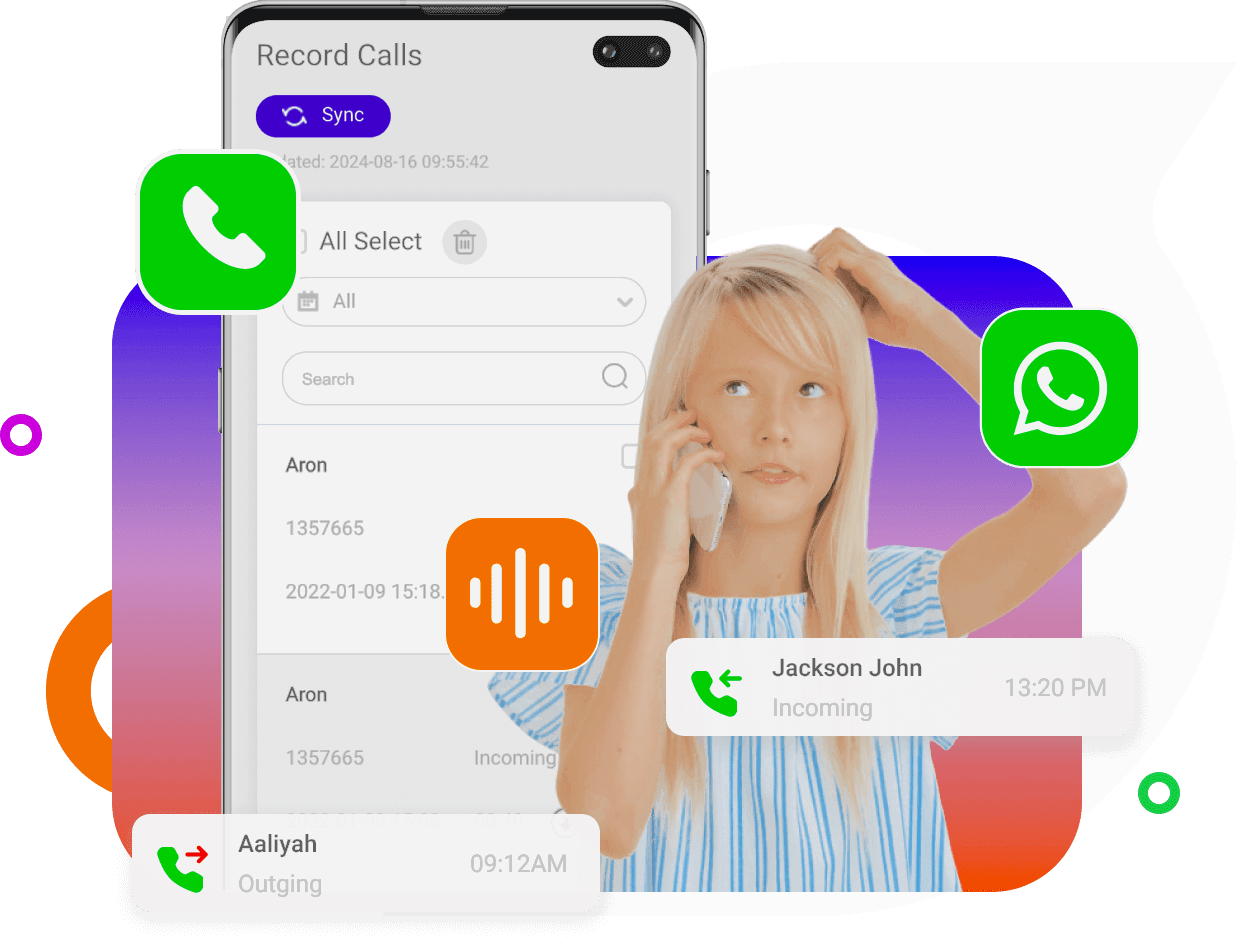
Apps like MyParental offer screen mirroring, notification syncing, and remote camera access in stealth mode.
3. Can I track my child without giving them a phone?
Yes. You can use GPS trackers, smartwatches, or wearable devices designed for children.
4. What if my child runs away — how do I track their phone?
You can use:
- Built‑in tracking features
- Carrier location services
- Third‑party monitoring apps
- Police assistance (IMEI tracking)
5. Can my child uninstall the tracking app?
Most parental control apps require a password to uninstall, preventing children from removing them.
6. Is it legal to track my teenager’s phone?
Yes, if they are a minor. Once they reach adulthood, you must stop unless they consent.
7. Does tracking drain the phone battery?
GPS‑based tracking uses battery, but modern systems are optimized to minimize impact.
Final Thoughts
Tracking your child’s phone can be a powerful tool for ensuring their safety in an unpredictable world. Whether you choose free built‑in tools or advanced parental control apps, the key is to use these tools responsibly and maintain trust as your child grows. With the right balance, digital monitoring becomes a supportive measure — not an invasion of privacy.