
Most people don’t realize how much information their smartphones reveal. Your device constantly communicates with networks, apps, and satellites—sometimes even when you’re not actively using it. This leads many to wonder: Can someone track my location with just my phone number or a simple phone call?
The short answer: It’s possible, but not in the way most people think. Let’s break down how location tracking actually works, who can access it, and how you can protect yourself.
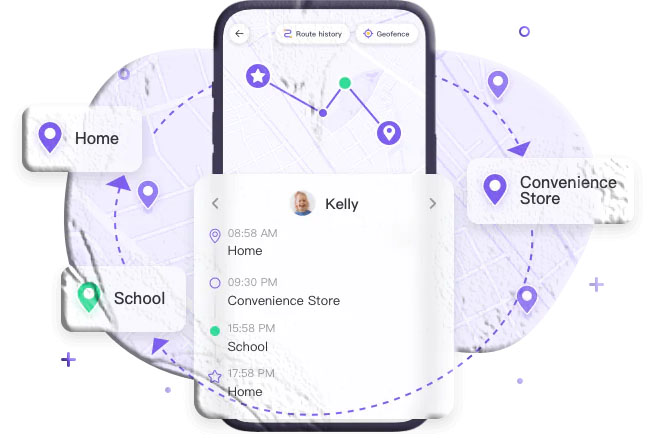
How Location Tracking Really Works
Modern smartphones rely on several technologies to determine your location. These systems are built into your device and used by apps, navigation tools, and emergency services.
1. GPS (Global Positioning System)
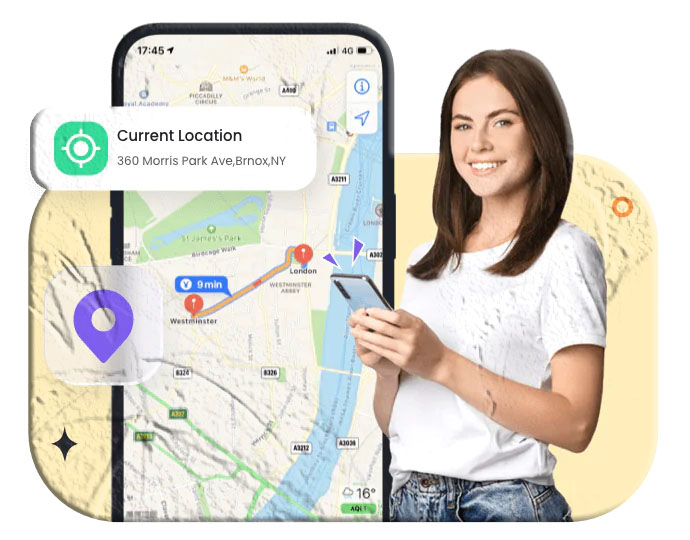
GPS uses satellites to pinpoint your location with high accuracy—often within a few meters. Apps like Google Maps and Apple’s Find My rely heavily on GPS.
2. Wi‑Fi Positioning
Even if you’re not connected to a Wi‑Fi network, your phone scans nearby routers to estimate your location. This method is less precise than GPS but still effective in urban areas.
3. Cell Tower Triangulation
Your phone constantly communicates with nearby cell towers. By measuring signal strength and timing, carriers can estimate your general location—usually within 0.5 to 1.5 km in cities.
Important: Your phone number itself does not broadcast your location. Tracking happens through your device’s network activity, not the number printed on your SIM card.
Can Someone Track My Location with My Phone Number?
In most cases, no one can track your exact location using only your phone number. However, certain entities can access your approximate location under specific conditions.
Who Can Legally Access Your Location?
- Mobile carriers: They can see which towers your phone connects to. They only share this data with law enforcement when required.
- Operating system providers: Android and iOS collect location data for features like device‑finding and app permissions.
- Law enforcement: With a valid warrant, they can request detailed location records from carriers.
Two Main Methods Used for Phone‑Number‑Based Tracking
1. Cell Tower Triangulation
Carriers can estimate your location by analyzing your phone’s connection to multiple towers. This method is not precise but can narrow your location to a general area.
2. Carrier Network Records
Carriers store logs of your device’s movements based on tower connections. These logs can be used to reconstruct your past locations.
Can Someone Track My Location with a Phone Call?
A phone call alone does not reveal your exact location to the caller. However, it does create network activity that carriers can use to estimate your position.
How Phone Call Tracking Works
- When you make or receive a call, your phone connects to the nearest tower.
- The carrier logs which tower handled the call.
- This gives a rough idea of your location during the call.
Examples of Phone‑Call‑Based Tracking
- Emergency services: When you dial 911, your location is automatically detected through cell towers and GPS.
- Spyware or malware: If malicious software is installed on your device, it can track your calls and GPS location simultaneously.
- VoIP calls (WhatsApp, Skype, etc.): Apps like WhatsApp may collect location data if you’ve granted permission.
- Caller ID lookup tools: These can show the registered region of a number, not your real‑time location.
Phone Number Tracking vs. Phone Call Tracking
| Feature | Phone Number Tracking | Phone Call Tracking |
|---|---|---|
| Common use | Spam detection, investigations | Emergency services, marketing |
| Real‑time tracking | Rare | Possible through carriers |
| Technology | GPS, cell towers, apps | Call routing systems |
| Data collected | Movement history | Call duration, tower location |
| Precision | Low to moderate | Moderate to high |
| Privacy risks | Data breaches | Requires legal authorization |
How to Reduce or Prevent Location Tracking
You can’t completely eliminate tracking—carriers and emergency services will always have some access. But you can significantly reduce unwanted tracking.
Protect Your Location Data
Turn off location services
Disable GPS when you don’t need it. This stops apps from accessing your precise location.
Disable Wi‑Fi and Bluetooth scanning
Your phone may still scan networks even when Wi‑Fi is off. Disable scanning in your settings.
Use Airplane Mode
This cuts off all radio signals, preventing any location transmission.
Avoid Unwanted Tracking
Use a VPN
A VPN hides your IP address and encrypts your internet traffic.
Install anti‑spyware tools
These apps detect and remove hidden tracking software.
Limit app permissions
Only allow location access to apps that truly need it.
Extra Steps for Stronger Privacy
- Use temporary numbers or burner phones for online transactions
- Switch to encrypted messaging apps like Signal
- Keep your phone and apps updated
- Disable location features in social media apps
No single method is perfect, but combining several dramatically improves your privacy.
Additional FAQs
Can someone track my exact location with just my phone number?
No. A phone number alone cannot reveal your precise location. Only carriers and law enforcement can access approximate location data.
Do apps track my location even when I’m not using them?
Some apps do, especially if you’ve granted “Always Allow” permissions. Review your app settings regularly.
Can turning off my phone stop all tracking?
Yes—if your phone is completely powered off, it cannot transmit location data. However, some devices may still send signals if only restarted or in sleep mode.
Can websites track my location?
Websites can estimate your location using your IP address unless you use a VPN or proxy.
Are VoIP apps safer than regular calls?
VoIP apps use internet data, not cell towers, but they can still collect metadata if you grant permissions.