
How to Identify a Fake Text Message and What You Should Do About It
A strange text message pops up on your phone:
“Hi, it’s AT&T. We found an issue with your internet equipment. Go to https://my.att.com/t/ to fix it with Smart Home Manager. Español? Envie SP.”
If you’ve received something similar—especially from shortcodes like 91639—you’re not alone. Many users on Reddit have reported the same message, with some insisting it’s legitimate while others warn it’s a scam.
Fake text messages (also known as smishing) are crafted to look like they come from trusted companies, banks, or even people you know. Their goal is simple: trick you into revealing personal information or clicking malicious links.
Below is a complete guide to help you identify fake text messages and protect yourself from becoming a victim.
How to Identify a Fake Text Message
Scammers rely on psychological manipulation, urgency, and deception. If a message displays any of the following signs, it’s likely fraudulent.
1. Suspicious or Unverified Senders
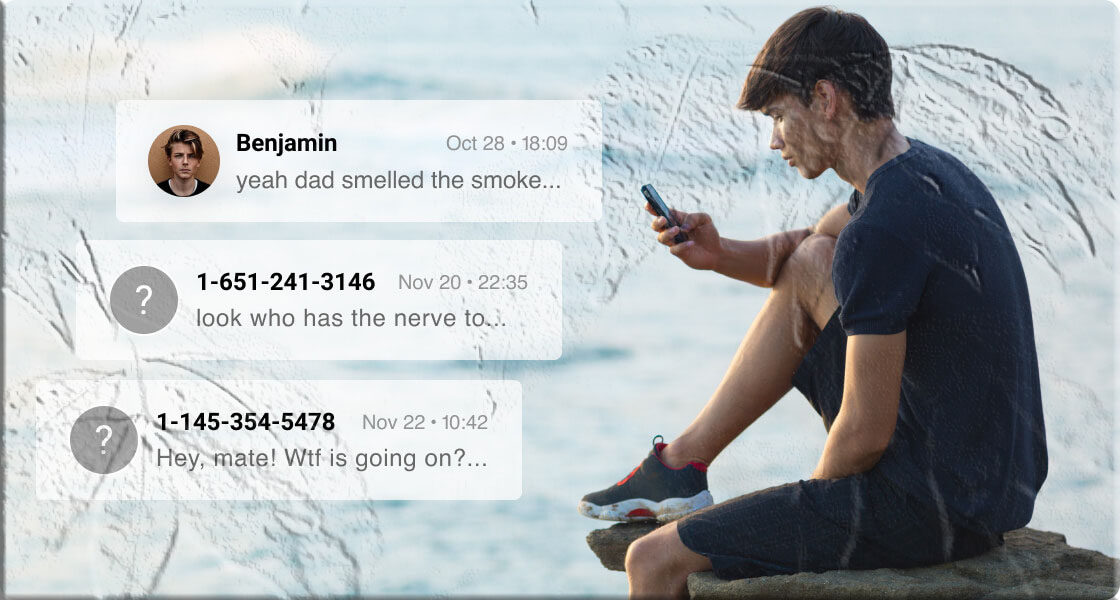
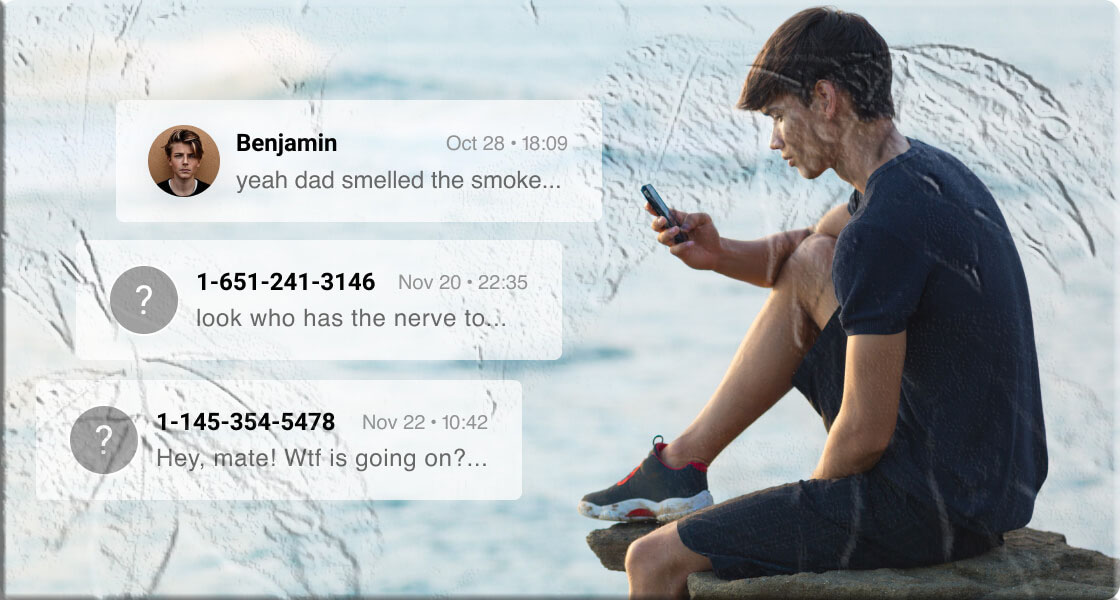
Legitimate companies use official shortcodes or verified sender IDs. Scammers, however, often use random numbers, international numbers, or numbers that don’t match the organization they claim to represent.
If the message claims to be from someone you know but comes from an unfamiliar number, be cautious. Always verify before responding.
2. Links or Attachments You Didn’t Expect
Most fake messages include a link designed to steal your information or install malware. These links often mimic real websites but may contain subtle misspellings or unusual domain endings.
For example, scammers may imitate trusted brands like AT&T, Amazon, or even government agencies such as the Federal Trade Commission.
Never click a link unless you’re absolutely sure it’s legitimate.
3. Poor Grammar, Spelling Errors, or Awkward Phrasing
Official organizations review their communications carefully. Scammers don’t. If a message contains obvious mistakes, odd spacing, or unnatural wording, treat it as a red flag.
4. Urgent or Threatening Language
Fake messages often try to scare you into acting quickly:
- “Your account will be locked in 24 hours.”
- “You owe outstanding fees.”
- “Click now to avoid penalties.”
This urgency is intentional—they want you to react before thinking.
5. Offers That Are Too Good to Be True
Messages claiming you’ve won a prize, a vacation, or a large sum of money are almost always scams. If you didn’t enter a contest, you didn’t win one.
Scammers may direct you to a website to “claim your prize,” where they’ll ask for personal details or payment information.
What to Do If You Receive a Fake Text Message
Knowing how to identify a scam is only half the battle. Here’s what you should do next.
1. Do Not Respond
Even replying “STOP” can confirm your number is active, leading to more scam attempts. Ignore the message completely.
2. Verify the Sender Through Official Channels
If the message appears to be from a company you use, contact them directly through their official website or customer support—not through the link in the message.
For example, if you receive a suspicious message claiming to be from AT&T, visit the official AT&T Support page instead of clicking the link.
3. Block the Number
Both iPhone and Android devices allow you to block numbers easily. Blocking prevents future messages from the same sender.
4. Report the Message
Reporting helps carriers and authorities track and shut down scam operations.
You can:
- Forward the message to 7726 (SPAM) — this alerts your mobile carrier.
- Report scams to the FTC’s fraud reporting portal.
5. Stay Alert After Clicking a Suspicious Link
If you accidentally clicked a link, don’t panic—but act quickly:
- Change your passwords immediately.
- Enable two‑factor authentication.
- Run a security scan on your device.
- Monitor your accounts for unusual activity.
How to Avoid Becoming a Target of Fake Text Messages
Prevention is always better than dealing with the aftermath. Here’s how to reduce your risk.
Limit the Personal Information You Share Online
Scammers often gather data from social media or public profiles. Avoid posting sensitive details like your phone number, address, or financial information.
Avoid Clicking Unverified Links
Whether in ads, emails, or text messages, never click a link unless you trust the source.
Check Website Domains Carefully
Scammers often create look‑alike websites. For example:
- Real: https://amazon.com
- Fake: http://amason.com
A single letter can make a big difference.
Use Third‑Party Security Tools
Apps like Truecaller or other spam‑blocking tools can help identify suspicious messages and block them automatically.
Be Aware of Follow‑Up Scams
If you don’t respond, scammers may send multiple follow‑up messages to pressure you. Block the number immediately to avoid further attempts.
Frequently Asked Questions
1. Why do scammers send fake text messages?
Scammers send fake messages to steal personal information, financial details, or login credentials. Some also aim to install malware on your device.
2. Can a scam text infect my phone without clicking anything?
No. Simply receiving a message isn’t harmful. The danger comes from clicking links or downloading attachments.
3. What if the message looks like it’s from my bank?
Banks never ask for sensitive information through text messages. Always contact your bank directly using the number on their official website.
4. Should I delete scam messages?
Yes. After reporting and blocking the number, delete the message to avoid accidental clicks.
5. Can scammers spoof real company numbers?
Yes. Scammers can fake caller IDs or SMS sender names. That’s why verifying through official channels is essential.