
Call history remains one of the most essential features on any mobile device. Even though smartphones now offer countless advanced functions, phone calls continue to play a major role in daily communication. Many people still make several calls a day, whether for work, family, or emergencies.
If you need to verify an unknown number, recall an important conversation, or monitor your child’s phone activity, understanding how to check the call history of a number can be extremely helpful. This guide walks you through every method available—on Android, iPhone, carrier services, VoIP apps, landlines, and more.
How Call History Works on Mobile Devices
Every smartphone stores call logs, but the storage capacity varies:
- Android devices usually keep the last 500 call entries.
- iPhones store around 100 recent calls unless backed up to iCloud.
- Older entries are automatically deleted once the limit is reached.
- If you stop backing up to Google Drive or iCloud, older logs may disappear after about 180 days.
Knowing these limits helps you understand when you may need to rely on carrier records or cloud backups.
How to Check Recent Call History on Android and iPhone

1. Checking Call History on Android
Although Android interfaces differ slightly across brands (Samsung, Xiaomi, Oppo, Pixel, etc.), the steps are similar:
- Open the Phone app.
- Tap the Recents tab.
- Scroll to view incoming, outgoing, and missed calls.
- Tap the info (i) icon or arrow beside a number to see:
- Call duration
- Call type
- Time and date
- Frequency of calls
If the number is saved in your contacts, you can search the name to view its call history.
2. Checking Call History on iPhone (iOS)
- Open the Phone app.
- Tap Recents.
- Scroll to view your call list.
- Tap the info (i) icon beside any number to see:
- Call duration
- Incoming/outgoing status
- Time and date
iPhones do not currently offer a built‑in feature to view all call logs for a specific number, but you can search the number in Contacts or Recents to filter results.
How to Retrieve Old Call History (Months or Years Ago)
If older call logs no longer appear on your device, try these methods:
1. Check Your Carrier Account
Mobile carriers store call records far longer than phones do—often up to 12–24 months. You can log in to your carrier’s website or app to view:
- Incoming and outgoing calls
- Call duration
- Date and time
- Phone numbers
For example, U.S. carriers like AT&T and T‑Mobile provide detailed call logs in your billing statements.
2. Review Your Phone Bill
Monthly bills often include call details. You can request a digital or printed copy from your service provider.
3. Restore from Cloud Backup
If you previously backed up your phone:
- Android: Restore from Google Drive
- iPhone: Restore from iCloud
This may recover older call logs that were deleted.
4. Use a Parental Control App
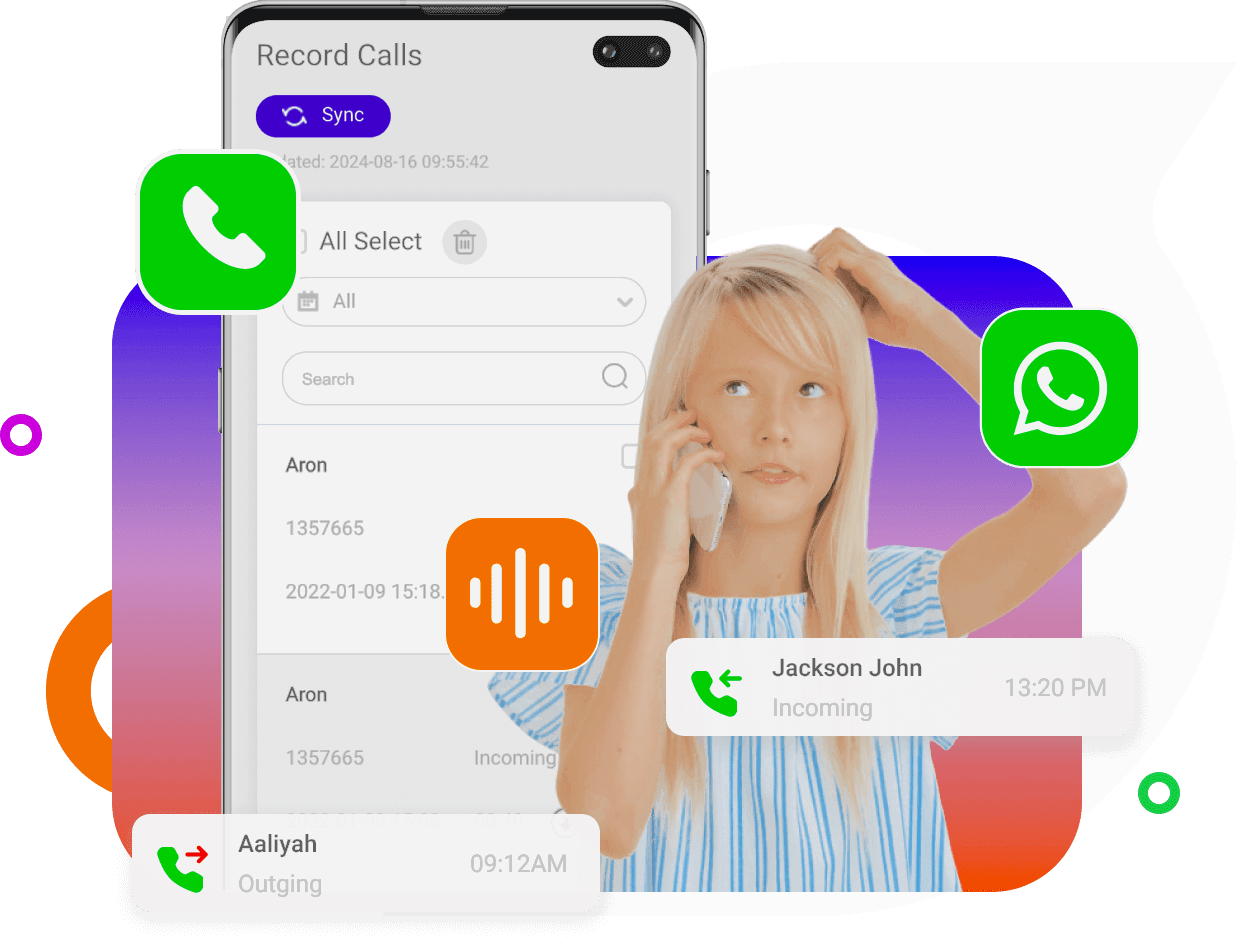
Apps like MyParental Parental Control allow parents to sync and view call logs from their child’s phone, including:
- Missed calls
- Incoming/outgoing calls
- Contact details
- Call timestamps
Checking Call History on Other Platforms
1. VoIP Apps (WhatsApp, Skype, Zoom, etc.)
Apps that support internet calling store their own call logs. Example: WhatsApp
- Open WhatsApp.
- Tap the Calls tab.
- View all recent calls or tap a specific entry for details.
2. Landline Phones
Modern cordless landlines often include a call history feature:
- Press the Call History or Recent Calls button.
- Scroll through the list of incoming and outgoing calls.
If unsure, refer to the device manual or manufacturer’s website.
3. CRM or Business Phone Systems
Platforms like Dialpad or RingCentral store detailed call analytics:
- Log in to your CRM dashboard.
- Navigate to Analytics → Call History.
- Filter by date, number, or call type.
Can You Check the Call History of Any Mobile Number?
No. Call history is private information protected by privacy laws such as the Electronic Communications Privacy Act (ECPA). You cannot legally access someone’s call logs unless:
- You own the device
- You are the account holder
- You have explicit permission
- You are a parent monitoring a minor’s device
Privacy Considerations When Checking Call History
Call logs can reveal sensitive information such as:
- Personal contacts
- Location patterns
- Communication habits
To protect your privacy:
- Use a strong password or biometric lock
- Regularly delete old call logs
- Back up your device securely
- Avoid sharing your phone with untrusted individuals
Why People Check Call History
People commonly review call logs for:
- Tracking phone usage
- Identifying unknown callers
- Monitoring children’s safety
- Verifying business communication
- Reviewing missed calls
- Investigating suspicious activity
Call history is a simple yet powerful tool for maintaining awareness and security.
FAQs
1. How far back can call history go?
Android stores around 500 entries, while iPhone stores about 100. Carriers may keep records for up to 1–2 years.
2. Can deleted call logs be recovered?
Yes—if they were backed up to Google Drive or iCloud before deletion.
3. Can I check someone else’s call history without permission?
No. It is illegal and violates privacy laws unless you are the account owner or a parent monitoring a minor.
4. Do VoIP apps store call history separately?
Yes. Apps like WhatsApp, Skype, and Zoom maintain their own call logs independent of your phone’s call history.
5. Can I request call history from my carrier?
Yes. Most carriers allow you to view or download detailed call logs through your online account.