
Managing children’s screen time has become one of the biggest challenges for modern parents. With smartphones, tablets, and gaming devices becoming part of everyday life, kids are spending more hours than ever in front of screens. According to the American Academy of Pediatrics (AAP), children often exceed recommended daily screen limits, which can contribute to sleep issues, attention problems, and reduced physical activity. (Reference: American Academy of Pediatrics)
If you’re looking for reliable tools to help your family build healthier digital habits, this guide breaks down the best screen time apps for both Android and iPhone, based on real‑world testing, usability, features, and value.
How We Selected the Best Screen Time Apps
To help parents make confident decisions, each app was evaluated based on:
- Ease of use — intuitive dashboards and simple setup
- Compatibility — smooth performance on Android and iOS
- Screen time controls — scheduling, app blocking, daily limits
- Extra parental features — location tracking, activity reports, content filtering
- Customer support — responsiveness and reliability
- Value — free features, trial periods, and pricing fairness
Best Screen Time Apps for Kid’s Android Phones
1. MyParental Parental Control & Screen Time App
MyParental stands out as one of the most complete digital parenting tools available for Android. It combines screen time management with real‑time monitoring features to help parents guide their children’s digital habits.
Key Features
- Set daily screen limits or restrict specific apps and categories
- Create schedules for bedtime, study time, or screen‑free hours
- Whitelist essential apps
- Apply different rules based on location (home, school, etc.)
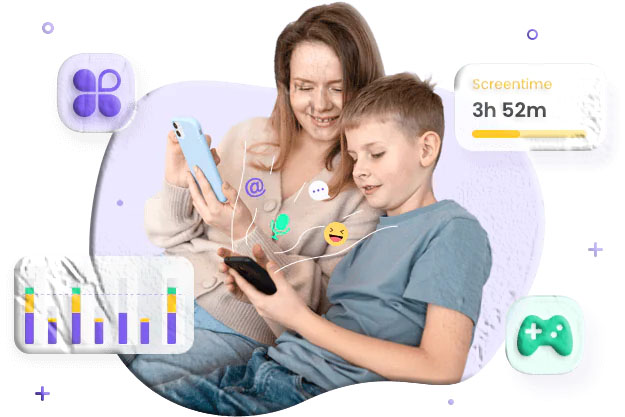
- View daily and weekly activity reports
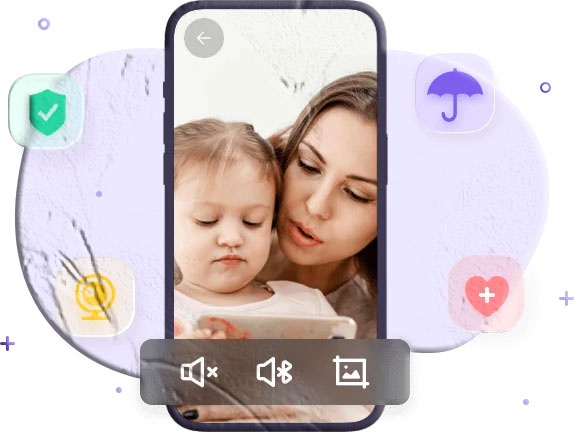
- Monitor live screen activity and block harmful apps
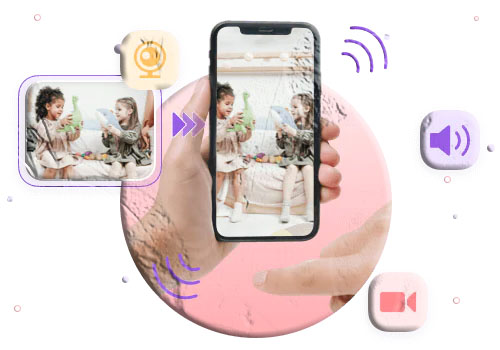
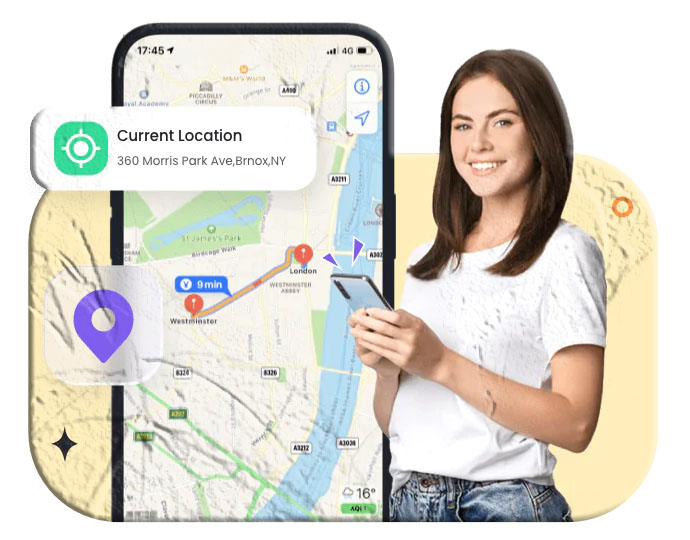
- Track real‑time location and device surroundings
Pros
- Clean, beginner‑friendly interface
- Option to hide the app from the child
- Built by experienced developers
Cons
- Only supports Android devices
Pricing
3‑day free trial, then:
- $9.99/month for 2 devices
- $19.99/quarter
- $59.99/year for 10 devices
2. Kidslox Screen Time Parental Control
Kidslox is known for its simplicity and fast setup, making it ideal for parents who want quick control without complicated menus.
Key Features
- One‑tap device lock
- Customizable screen time schedules
- Extra screen time rewards
- Kids can request additional time
- Location tracking and content blocking
Pros
- Frequent updates
- Attractive interface
Cons
- Occasional app‑blocking glitches
- Screen time accuracy issues
- Some children can bypass restrictions
Pricing
3‑day trial, then:
- $49.99/year for 1 device
- $79.99/year for 10 devices
3. FamilyTime Screen Time Control App
FamilyTime offers flexible parental controls with pre‑built rules for bedtime, homework, and family time.
Key Features
- Limit screen and app usage
- Set bedtime, homework time, and dinner time
- Block apps instantly
- Track location and monitor internet access
Pros
- Free version includes app usage tracking
- 3‑day premium trial
- Easy‑to‑navigate interface
Cons
- Free version lacks screen time limits
- No warning before time runs out
- Occasional missing usage data
Pricing
- $29/year for 1 device
- $49/year for 3 devices
- $69/year for 5 devices
4. Qustodio Screen Time Control App
Qustodio is a powerful all‑in‑one parental control app trusted by families worldwide.
Key Features
- Daily screen time limits
- Scheduled downtime
- One‑tap internet pause
- Social media monitoring
- Call, text, and location tracking
- Emergency SOS button
Pros
- Free daily screen time limits
- Clean, modern dashboard
Cons
- App‑specific limits require paid plan
- Teens can sometimes bypass restrictions
Pricing
Free basic version; premium ranges from $54.95–$99.95/year.
Best Screen Time Apps for Kid’s iPhones
1. OurPact Parental Control & Screen Time App
OurPact is one of the most popular screen time apps for iOS, offering strong scheduling and app‑blocking features.
Key Features
- Daily device limits
- Custom schedules (bedtime, family time, etc.)
- App‑specific permissions
- Text blocking
- Website filtering
- Geofencing alerts
Pros
- Free scheduling features
- Supports multiple devices
- Attractive interface
Cons
- App blocking sometimes delays
- App‑specific controls require paid plan
Pricing
Free basic version; premium $6.99–$9.99/month or $69.99–$99.99/year.
2. Bark Screen Time Limit App
Bark uses advanced AI to monitor online activity and detect potential risks, making it ideal for parents concerned about safety as well as screen time.
Key Features
- AI‑powered monitoring
- Custom screen time schedules
- Alerts for risky behavior
- Multi‑device support
Pros
- Strong risk detection
- Easy to use
Cons
- Occasional false alerts
Pricing
$14/month with 7‑day trial.
3. Apple’s Built‑In Screen Time
Apple’s native Screen Time feature is simple, reliable, and free.
Key Features
- Downtime scheduling
- App category limits
- Content restrictions
- Passcode protection
Pros
- Built into iOS
- No subscription required
Cons
- Only available on iOS 12+
Pricing
Free
4. FamiSafe Screen Time Limit App
FamiSafe offers a wide range of monitoring tools, making it a strong choice for parents who want deeper insights.
Key Features
- Smart screen time schedules
- App usage monitoring
- App blocking
- Location tracking
- Web filtering
- In‑app purchase blocking
Pros
- 3‑day trial
- Fast updates
Cons
- Occasional timing glitches
- Some apps may not track accurately
Pricing
- $9.99/month for 5 devices
- $19.99/quarter for 10 devices
- $59.99/year for unlimited devices
How Much Screen Time Is Too Much for Kids?
The American Academy of Pediatrics recommends:
- Under 18 months: No screen time except video calls
- 18–24 months: Only educational content with a caregiver
- Ages 2–5: About 1 hour on weekdays, up to 3 hours on weekends
- 6+ years: Consistent limits and healthy digital habits
Most children exceed these limits, which is why screen time apps can help families stay on track.
Frequently Asked Questions (FAQs)
1. Are screen time apps safe for kids?
Yes. Reputable apps use encrypted connections and privacy‑focused designs. Always choose apps from trusted developers and check their privacy policies.
2. Can kids bypass screen time apps?
Some tech‑savvy children may find workarounds, especially on Android. Choosing apps with tamper‑proof settings helps reduce this risk.
3. Do these apps slow down the phone?
Most modern parental control apps run efficiently in the background. Older devices may experience minor performance drops.
4. What’s the best free screen time app?
For iPhone, Apple’s built‑in Screen Time is excellent. For Android, Qustodio and MyParental offer strong free features.
5. Should I tell my child I’m using a screen time app?
Experts recommend open communication to build trust and teach healthy digital habits.
Final Thoughts
Whether you’re trying to reduce your child’s screen time, encourage healthier habits, or simply keep them safe online, these apps offer powerful tools to support your parenting goals. Among all options, MyParental stands out as a comprehensive solution for Android, while OurPact and Apple Screen Time are excellent choices for iPhone users.