
Smartphones have become essential tools for staying connected, and location‑tracking apps now play a major role in family safety, device recovery, and real‑time coordination. With so many options available on both Android and iPhone, choosing the right tracking app can feel overwhelming.
This guide breaks down the five best phone tracking apps, comparing their features, pricing, strengths, and limitations. Whether you’re a parent, a traveler, or someone who simply wants peace of mind, these apps offer reliable ways to stay informed and connected.
1. MyParental Family Locator
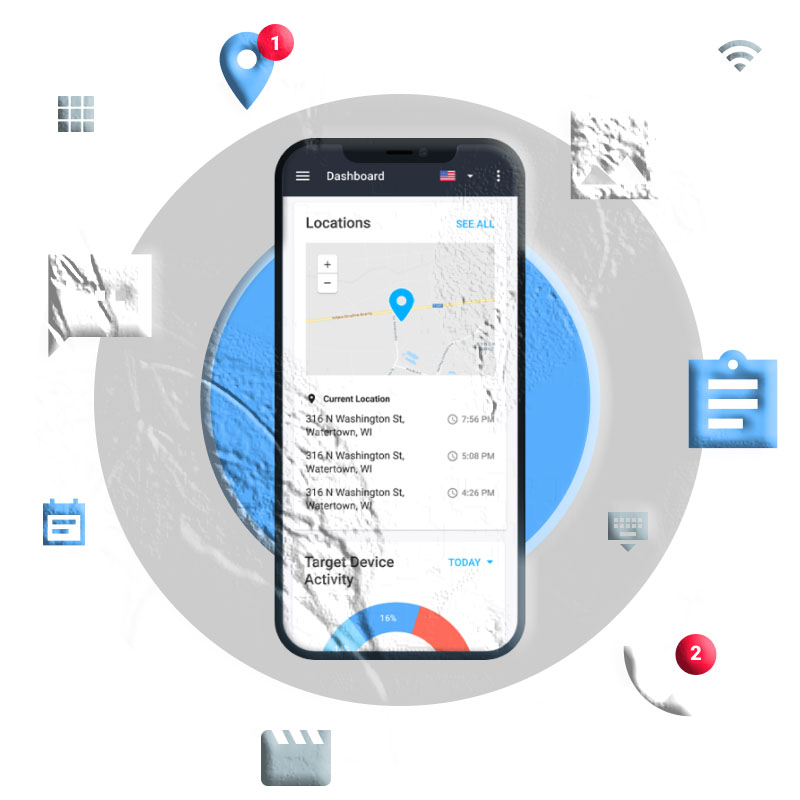
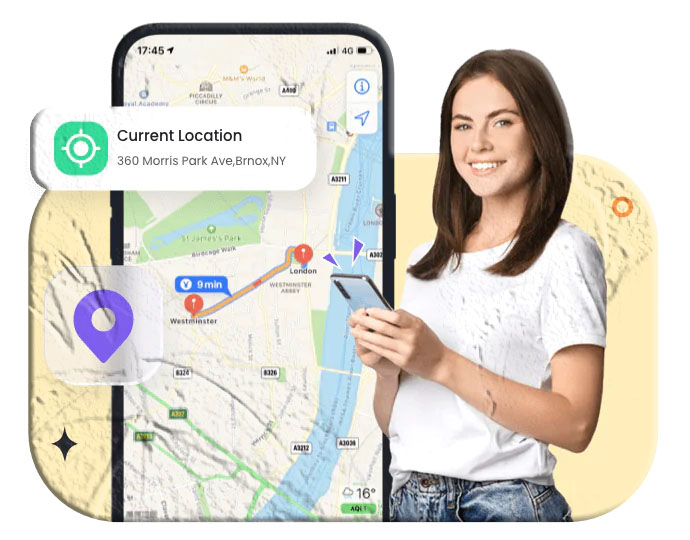
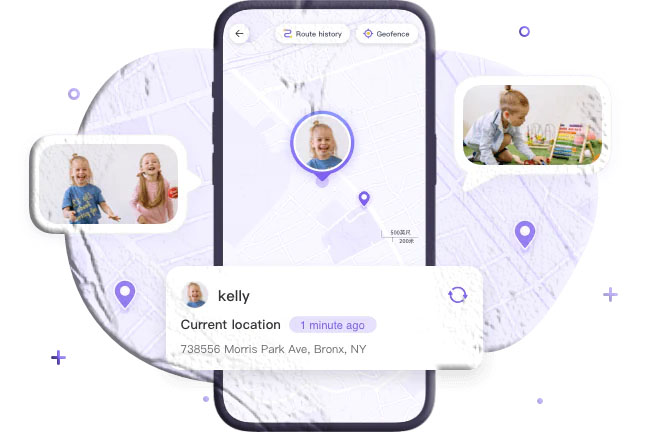
MyParental Family Locator is designed for parents who want a simple yet powerful way to monitor their children’s safety. With real‑time GPS tracking and customizable geofencing, it helps families stay connected no matter where they are.
Key Features
- Real‑time GPS tracking
- 30‑day movement history
- Custom geofencing alerts
- Remote surroundings monitoring (Android only)
- Works on both Android and iOS
Pricing
- Monthly: $9.99
- Quarterly: $6.66/month
- Annual: $4.99/month
Pros
- Excellent for child safety
- Accurate live tracking
- Easy‑to‑use interface
Cons
- No driving‑safety features
- Some features limited to Android
2. Life360
Official Website: https://www.life360.com/
Life360 is one of the most widely used family‑safety apps globally. It combines location tracking with driving behavior insights, emergency alerts, and private messaging—making it ideal for families with teens or elderly members.
Key Features
- Real‑time location sharing
- Driving behavior monitoring
- SOS emergency alerts
- Private messaging
- Temporary “Bubble” privacy feature
Pricing
- Silver: $14.99/month
- Gold: $24.99/month
- Free version available
Pros
- Comprehensive safety tools
- Driving insights for teens
- Reliable emergency alerts
Cons
- Premium plans are expensive
3. FindMyPhone – Family Locator
Official Website: https://find-my-phone.org/
FindMyPhone is a simple, user‑friendly tracking app suitable for families who want essential features without complexity. It also doubles as a lost‑device locator.
Key Features
- Real‑time GPS tracking
- Geofencing alerts
- 7‑day location history
- SOS emergency notifications
- Private in‑app chat
Pricing
- Weekly: $4.99
- Monthly: $9.99
- Yearly: $49.99
- Free version available
Pros
- Easy to use
- Affordable
- Great for elderly and children
Cons
- Can drain battery in background
4. Google Maps
Official Website: https://maps.google.com/
Google Maps is primarily a navigation tool, but its built‑in location‑sharing feature makes it a reliable option for occasional tracking. It’s ideal for coordinating meetups, travel, or temporary sharing.
Key Features
- Live location sharing
- Location history timeline
- Real‑time traffic and transit updates
- Turn‑by‑turn navigation
Pricing
- Free
Pros
- Trusted and widely used
- Excellent navigation
- Easy temporary sharing
Cons
- Not designed for continuous tracking
- Requires stable internet
5. Glympse
Official Website: https://corp.glympse.com/
Glympse is perfect for temporary, time‑limited location sharing. Unlike most apps, the recipient doesn’t need to install the app to view your location.
Key Features
- Share location via SMS, email, or social apps
- Set time limits
- Background tracking
- Group and community sharing
- Public tags for shared maps
Pricing
- Starts at $9.99/month
- Free version available
Pros
- No permanent tracking
- Works without app installation
- Great for events and travel
Cons
- Occasional update delays
Conclusion
Each of these tracking apps offers unique strengths—from family safety and teen driving monitoring to temporary location sharing and lost‑device recovery. Whether you’re a parent, a traveler, or someone who wants peace of mind, these apps provide reliable ways to stay connected and informed.
All five apps offer free versions, making them accessible for users with different needs and budgets. Just remember to use tracking apps responsibly and always obtain consent.
Additional FAQs
Do phone tracking apps drain battery?
Yes, apps that use continuous GPS tracking may consume more battery. You can reduce battery usage by limiting background activity.
Are these apps available on both Android and iPhone?
Most of the apps listed—such as Life360, Glympse, and MyParental—support both platforms.
Which app is best for teen driving safety?
Life360 offers detailed driving behavior reports, making it ideal for monitoring teen drivers.
Can these apps help find a lost phone?
Yes. Apps like FindMyPhone and Google Maps can help locate lost or stolen devices.
Are tracking apps safe to use?
Most reputable apps use encryption and secure servers. Always review privacy policies and use apps responsibly. For general digital safety guidance, visit the National Cybersecurity Alliance.